MT4 indicators not showing? Here is the fix
Updated 2026-06-09
An indicator that will not appear in the Navigator is almost always in the wrong folder, blocked by a compile error, or just needs a refresh. Confirm the file is in MQL4/Indicators inside File then Open Data Folder, fix any include, then right-click the Navigator and Refresh.
You copied the file, but the indicator is nowhere in the Navigator. There are only a handful of reasons this happens on MetaTrader 4. Run the quick checklist, then work down the detail for whichever step failed.
The 60-second fix, in order
- Open File then Open Data Folder in MT4 and confirm the .mq4 is inside MQL4/Indicators.
- Copy any bundled .mqh include into MQL4/Include.
- Open the .mq4 in MetaEditor and press Compile; fix anything the Errors tab names.
- Right-click the Navigator panel and choose Refresh.
- Restart MetaTrader 4 completely if it still does not appear.
- Confirm the file is a real .mq4 — an .mq5 never loads in MT4.
1. It is in the wrong folder
This is the number-one cause. The folder you read from is found via File then Open Data Folder in MT4, then MQL4 then Indicators. Files dropped into the MetaTrader install directory in Program Files, or into MQL5/Indicators, will never appear in an MT4 Navigator. Move the .mq4 into the correct MQL4/Indicators folder.
2. You did not refresh the Navigator
MT4 does not watch the folder live. After adding a file, right-click anywhere in the Navigator panel (Ctrl+N if it is hidden) and choose Refresh, or restart the terminal. The new indicator should appear under Indicators.
3. It failed to compile
If the .mq4 needs an include (.mqh) that is not in MQL4/Include, it cannot compile and so it never shows. Open MetaEditor, open the .mq4, and press Compile, the Errors tab will tell you exactly what is missing. Copy any required .mqh into MQL4/Include and recompile. Every download here bundles its includes for this reason.
4. You are running portable mode
If MT4 was launched with the /portable flag, its data folder is inside the program folder, not the usual AppData location, so files you put in the normal data folder are invisible to it. File then Open Data Folder always opens the one this instance actually uses; install there.
5. Wrong platform file (.ex5 in MT4)
An .ex4 / .mq4 runs in MetaTrader 4; an .ex5 / .mq5 runs only in MetaTrader 5. They are not interchangeable. If someone handed you an .mq5 and you are on MT4, it will not load, you need the MT4 build. Everything on this site ships a genuine .mq4 for exactly this reason.
Still stuck?
If the file is genuinely in MQL4/Indicators, compiles cleanly in MetaEditor, and the Navigator has been refreshed, close MT4 completely and reopen it. A full restart clears the rare case where the terminal cached an old, empty Navigator. If it compiles but draws nothing on the chart, that is a settings issue, not an install one, check the indicator's inputs and the timeframe it was built for.
Indicator-not-showing FAQ
Why is my indicator not showing in the MT4 Navigator?
Most often the file is in the wrong folder. It must be in MQL4/Indicators inside the folder that File then Open Data Folder opens. After moving it, right-click the Navigator and choose Refresh, or restart MT4.
I copied the .mq4 but it still will not appear.
Open it in MetaEditor and press Compile. If it needs an include you have not copied, it fails silently and never shows. Copy any .mqh into MQL4/Include and compile again.
Can an MT5 indicator (.mq5) show up in MT4?
No. MQL5 files only load in MetaTrader 5. If you are on MT4 you need the .mq4 build, the two are different languages and are not interchangeable.
The indicator shows in the Navigator but draws nothing.
That is a settings or timeframe issue rather than an install one. Re-check the inputs, make sure you are on a timeframe and symbol the tool was built for, and confirm any colour or visibility options are not switched off.
Free tools to start with
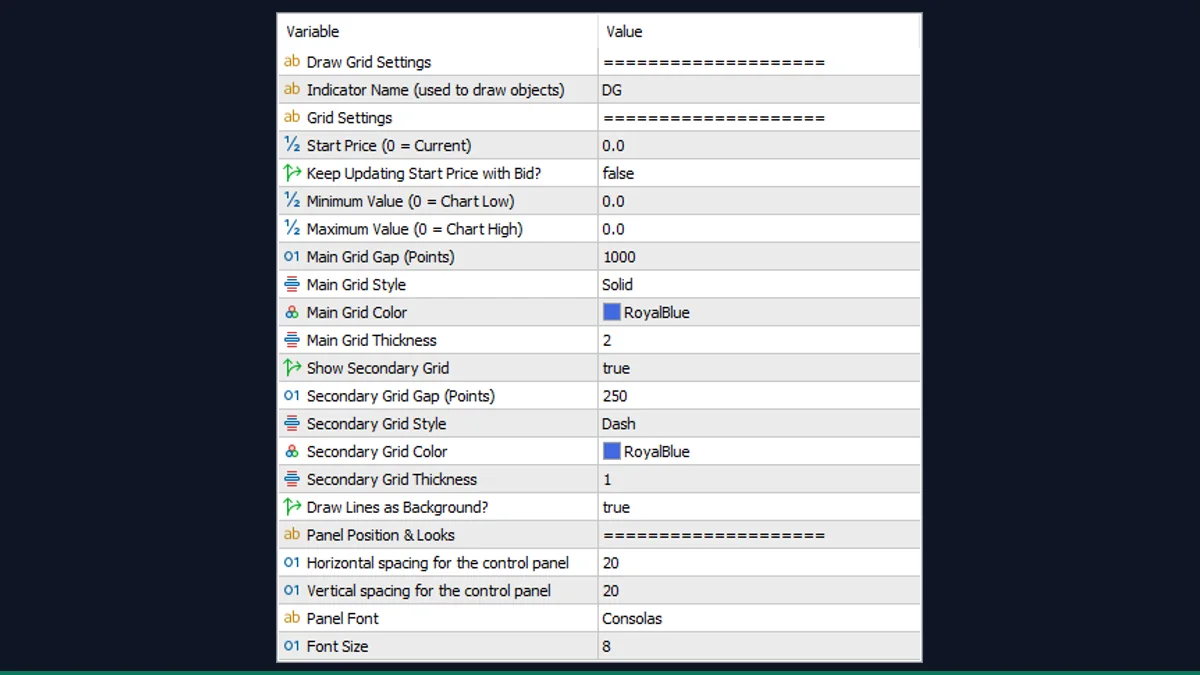
Draw Grid
Draws an evenly-spaced horizontal price grid at a pip step you choose, for scalping levels.
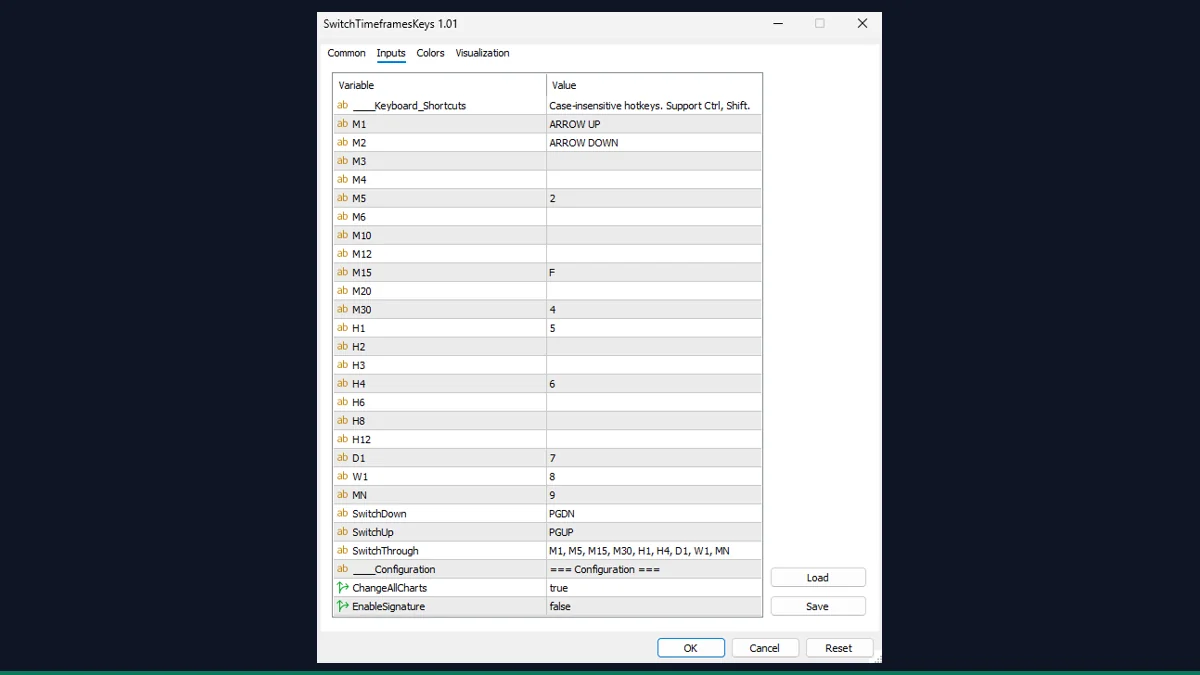
Switch Timeframes by Keys
Hotkey timeframe switching: press a number key to jump straight to M1 through MN.
Synced Crosshair
A crosshair that mirrors across every open chart so you read the same moment on all of them.