Free MT4 account & trade tools
Updated 2026-06-09
These are the on-chart panels that keep your account in front of you while you trade, risk before you click, profit while a position runs, the price where you break even or get stopped out. None of them place orders for you; they make the numbers you already need impossible to miss.
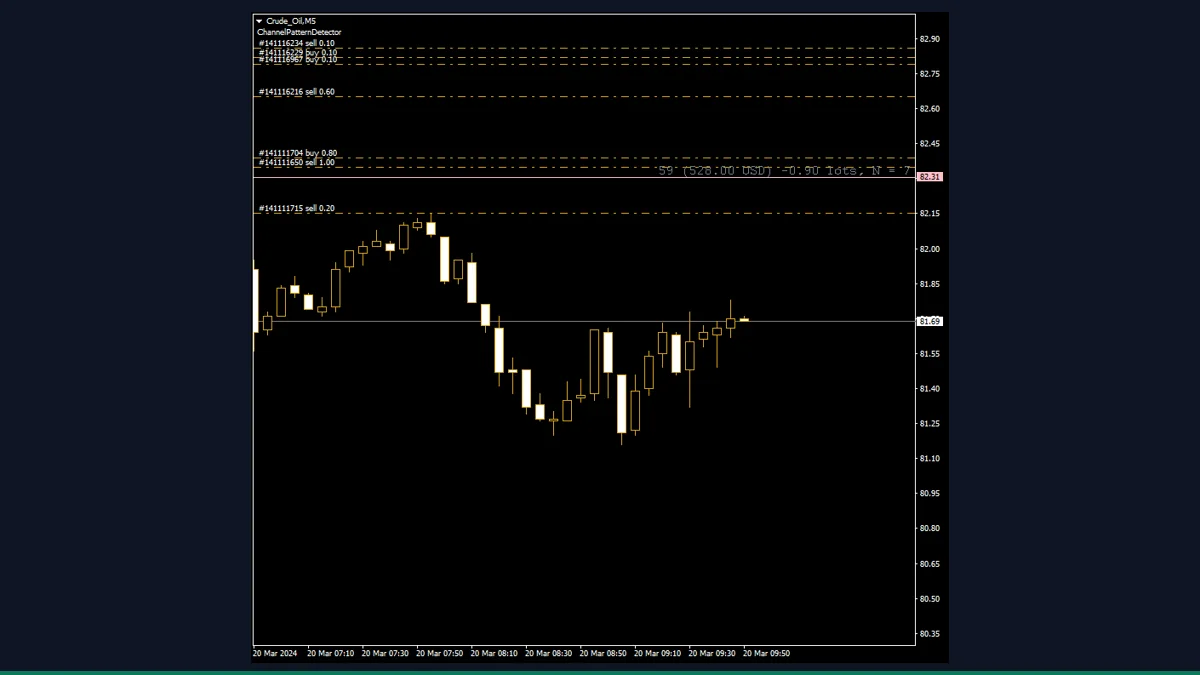
Breakeven Line
Draws the exact price where your open positions in the symbol break even after costs.
Draw Profit
Draws your open position's running profit straight onto the chart, updated every tick.
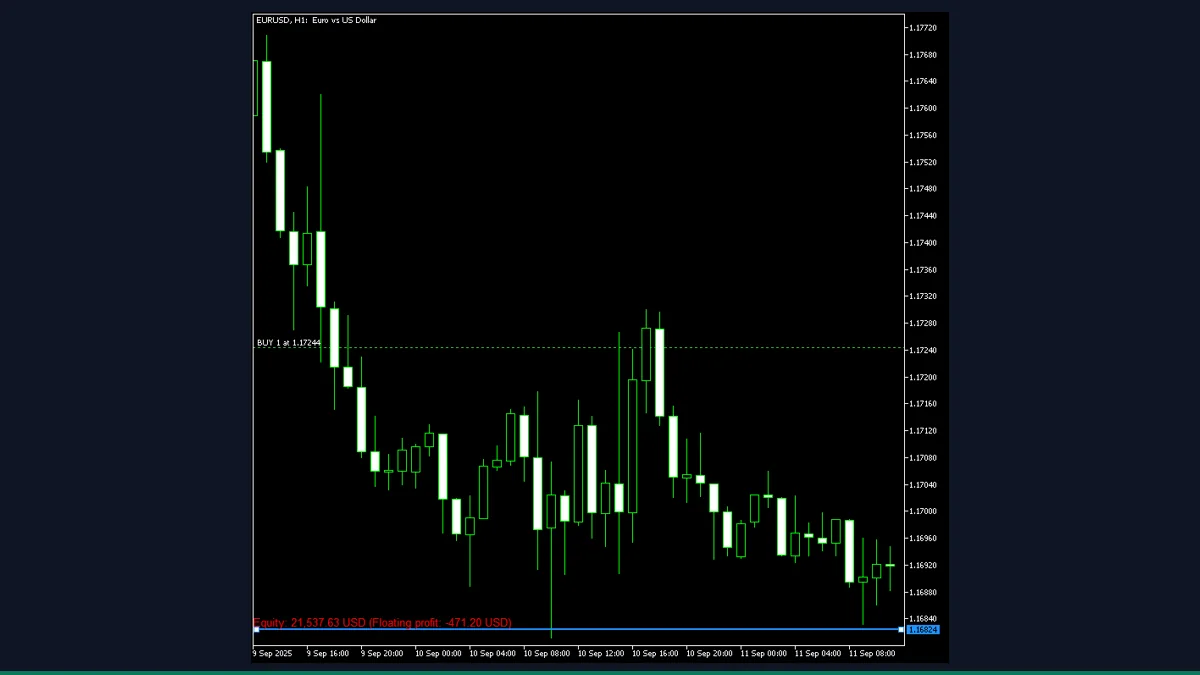
Equity Line
A draggable line that projects what your account equity becomes if price reaches that level.
Lot Size Calculator
Risk-based position sizing on the chart: set risk percent and stop distance, read the exact lot size.
Profit Info
A compact panel summarising today's, this week's and total closed profit by symbol.
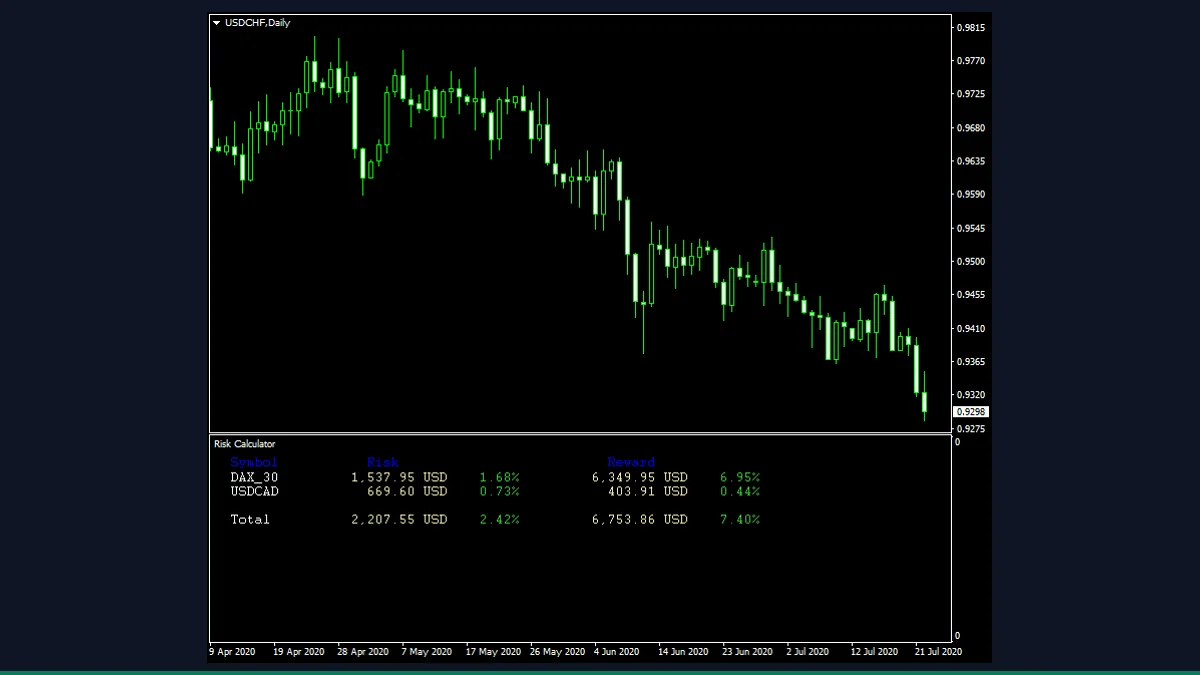
Risk Calculator
Reads your open and pending orders to show total risk and reward in both money and percent.
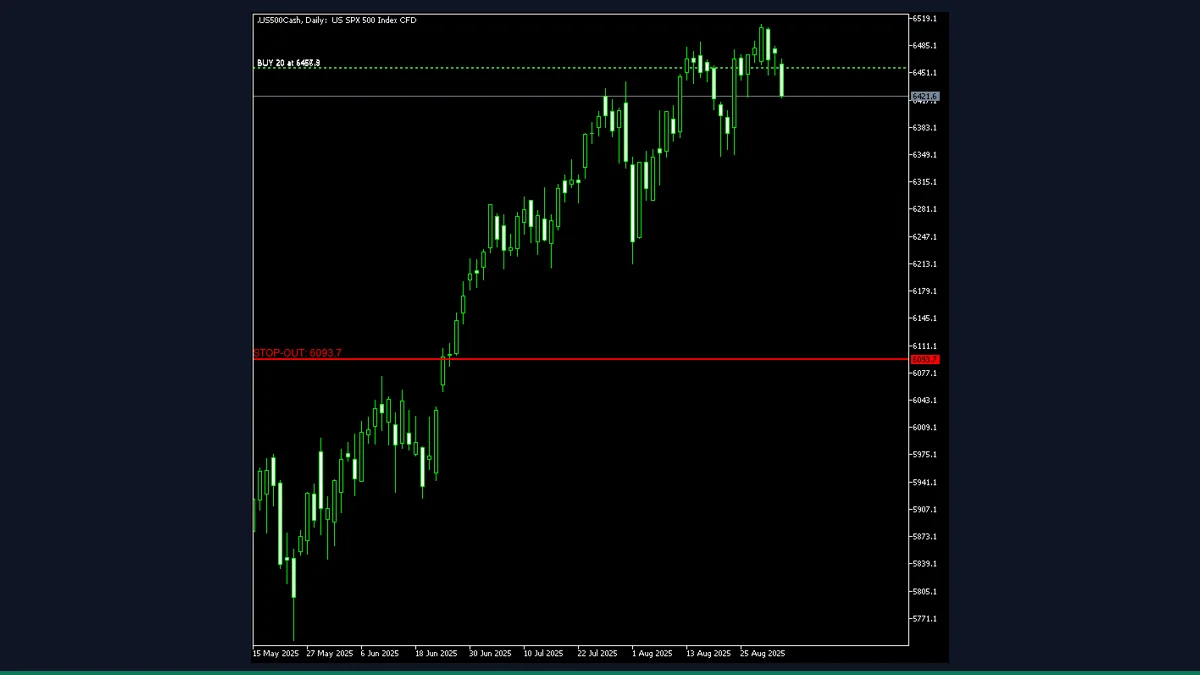
Stop-Out Line
Plots the price at which your account would hit the broker's stop-out level.
Trade Info Panel
An on-chart dashboard of balance, equity, floating P/L, margin and spread, all in one panel.
Account & Trade Tools: common questions
Do these MT4 account tools place trades for me?
No. Every account and trade tool here is display-only. It reads your balance, equity, open orders and risk and shows them on the chart; it never opens, closes or modifies a position. You stay in control of every click.
Will they work with my broker?
Yes, in almost every case. They read standard MetaTrader 4 account and order data, which every MT4 broker provides. A few money figures depend on your broker's contract specs, so sanity-check any lot or risk number before you trade on it.